Unity Controllers, Skyboxes, Audio
CS185c
Chris Pollett
Apr 24, 2019
CS185c
Chris Pollett
Apr 24, 2019
using System.Collections;
using System.Collections.Generic;
using UnityEngine;

public class MyInputController : MonoBehaviour
{

    // Update is called once per frame
    void Update()
    {
        ButtonTest();
    }
    private void ButtonTest()
    {
        string msg = null;
        if (Input.GetButtonDown("Fire1")) {
            msg = "Fire1 down";
        }
        if (Input.GetButtonUp("Fire1")) {
            msg = "Fire1 up";
        }
        if (msg != null) {
            Debug.Log("Input: " + msg);
        }
    }
}
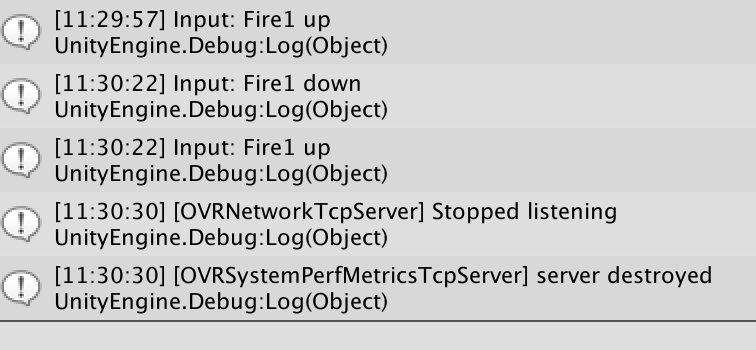
04-24 11:43:49.890  8249  8264 I Unity   :
04-24 11:44:15.932  8249  8264 I Unity   : Input: Fire1 down
04-24 11:44:15.932  8249  8264 I Unity   :
04-24 11:44:15.932  8249  8264 I Unity   : (Filename: ./Runtime/Export/Debug/Debug.bindings.h Line: 48)
04-24 11:44:15.932  8249  8264 I Unity   :
04-24 11:44:16.083  8249  8264 I Unity   : Input: Fire1 up
04-24 11:44:16.083  8249  8264 I Unity   :
04-24 11:44:16.083  8249  8264 I Unity   : (Filename: ./Runtime/Export/Debug/Debug.bindings.h Line: 48)
04-24 11:44:16.083  8249  8264 I Unity   :
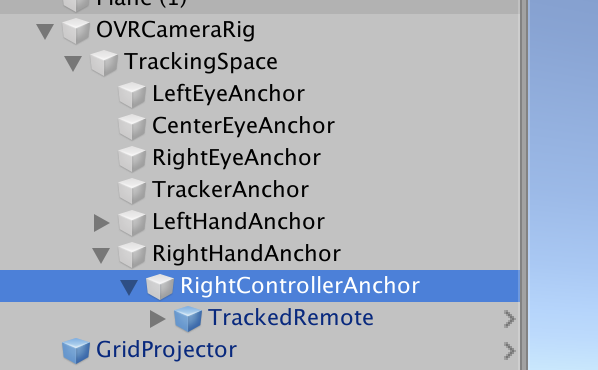
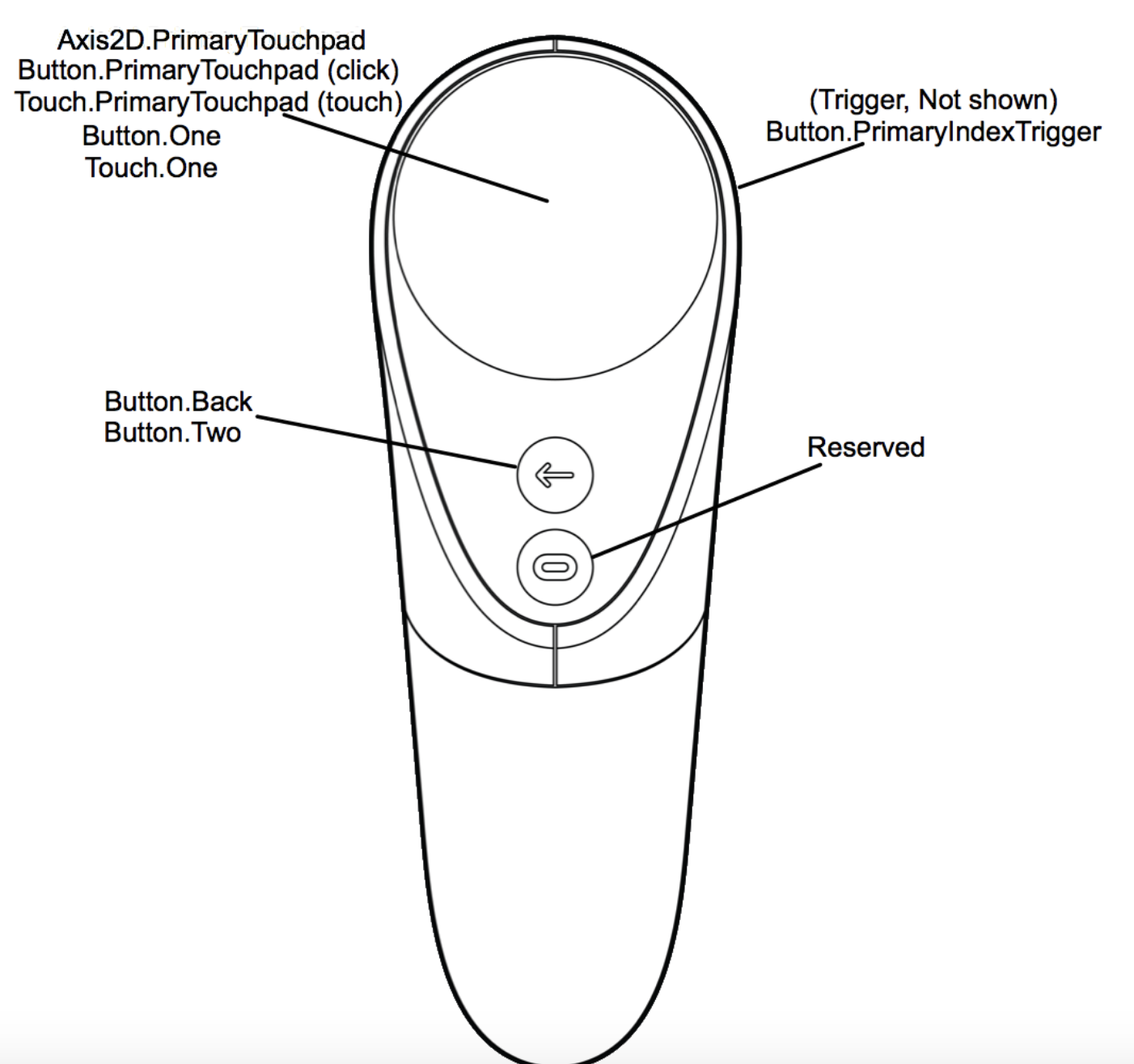
OVRInput.IsControllerConnected(OVRInput.Controller.RTrackedRemote);
//true if trigger pressed
OVRInput.Get(OVRInput.Button.One);
// returns a Vector2 of the primary touchpad position
OVRInput.Get(OVRInput.Axes2D.PrimaryTouchPad);