MVC0, A Simple Model-View-Controller Framework
The MVC0 framework is a platform for single-view, single-model, smart controller applications.
The MVC0 Framework (part 1)
Here's a partial view of the MVC0 framework:

Notes
· The light blue classes are all from the Java library.
· MVC0 uses the Memento Design Pattern to implement the undo and redo methods in the Controller.
· Memento is an empty interface:
interface Memento {}
·
The Model is an abstract class because
makeMemento and accept are abstract. They can't be implemented until an
implementation of the Memento interface is provided in a framework
customization.
The Model is serializable and keeps track of the file where it is saved. The
name of this file will be specified the first time the model is saved (or when
it is saved to a new file using the "Save As" command). The
unsavedChanges flag is set to false each time the model is saved, and set to true
each time the model is changed.
· The Controller implements the ActionListener interface as follows:
public void actionPerformed(ActionEvent e) {
String cmmd = e.getActionCommand();
execute(cmmd);
}
· MVC0 applications have three menus: File (New, Save, SaveAs, Open, and Quit), Edit (Undo, Redo, and application-specific commands), and Help (Help and About). The FileController listens to the File menu. The Help Controller listens to the HelpMenu. A controllers for the application-specific commands will be specified in the customization.
· It is assumed that the ModelView is some sort of graphical component (JComponent) that can be placed inside of the application's GUI (AppFrame). The ModelView observes the Model. When the Model changes, the ModelView's update function is called:
public void update(Observable o, Object arg) { repaint(); }
· The call to repaint schedules a call to paintComponent(Graphics gc). This method is defined in the customization.
The MVC0 Framework (part 2)
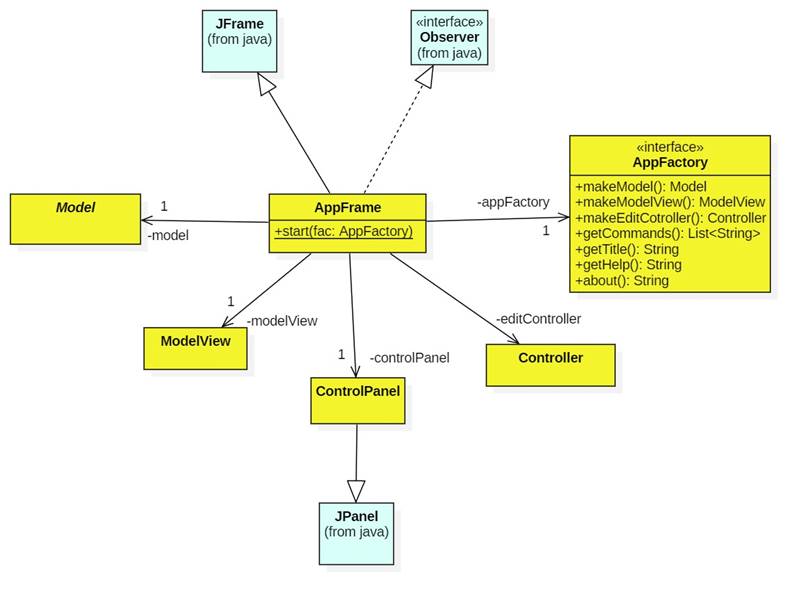
The glue that holds all of the MVC0 components together is the AppFrame:
Notes
The AppFrame is the desktop frame of all MVC0 cusomizations. It is a JFrame that contains the menu bar (with the File, Edit, and Help menus), the title bar, the model view, and a control panel that provides buttons for manipulating the model. (Most of these buttons duplicate what is already under the Edit menu.)
The AppFrame's static start method executes the constructor in its own thread:
public static void start(AppFactory factory) {
// Run GUI constructor in Event-Dispatching thread for thread-safety
SwingUtilities.invokeLater(new Runnable() {
public void run() {
new AppFrame(factory); //
Let the constructor do the job
}
});
}
The AppFrame constructor uses the Abstract Factory Pattern. Specifically, the AppFactory specifies which components are needed (model, view, controller, etc.) Implementations of this interface, supplied by the customization, specify how these components are constructed.
After assembling the application, the constructor calls: setVisibility(true). This causes the frame to appear on the desktop and to begin listening for user input events such as button clicks and menu item selections.
Example: Color Changer
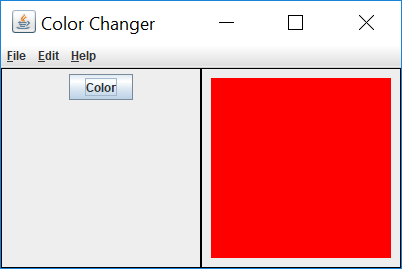
Color Changer customizes the MVC0 framework. Here's the desktop window:
Notes
The desktop window is the AppFrame. It consists of a title bar displaying the application's name ("Color Changer"); the three menus; a control panel consisting of a single "Color" button; and a model view showing the current color of the model.
Running Color Changer
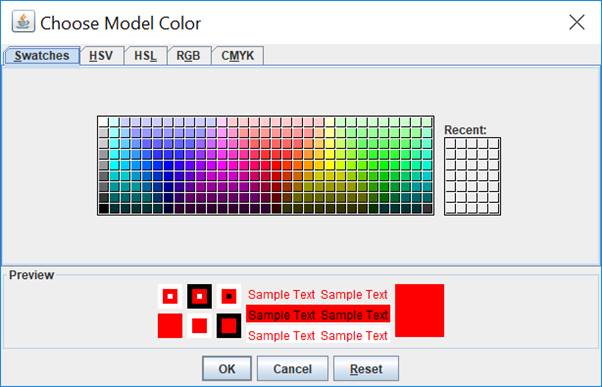
The Edit menu contains three items: Color, Undo, and Redo. Selecting the Color item has the same effect as pressing the Color button. It causes a color selection dialog box to appear:
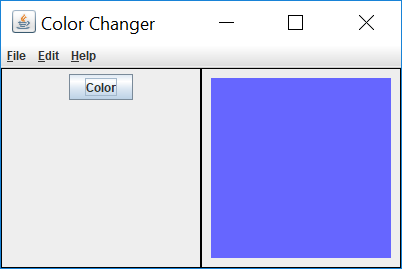
Selecting a new color updates the model and, through the Observer-Observable mechanism, the model view:
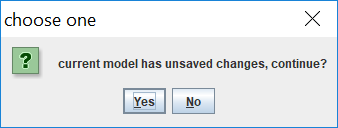
The File menu contains the items New, Open, Save, Save As, and Quit. If we select Quit, we are prompted to save our change to the model:
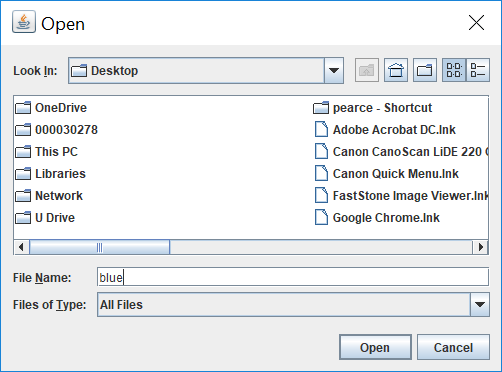
If we elect to save the changes a File Chooser dialog box appears:
The Help/Help menu item isn't very helpful:

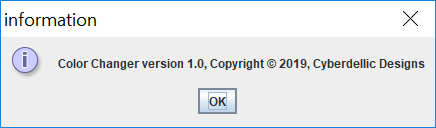
The Help/About menu item provides version and copyright information:
Implementing Color Changer
Here's the code for Color Changer:
Notes
· The ColorModel only has a single piece of data: a color.
· The ColorModel implements ColorMemento as an inner class for extra security.
· Each time the color is changed, unsavedChanges is set to true and observers are notified.
· ColorApp only contains main, which simply calls AppFrame.start.
· The AppFactory interface assumes all MVC0 components have default (i.e., parameterless) constructors. Most components require an initialization method that can be called after all components have been created. The initialization method then does the job of wiring the components together. We can see this in the ColorPanel.
· There's only on custom edit command: "Color". This is executed by the Color button and the Color menu item.
· The ColorView simply draws a rectangle using the color from the model.